j55555 App – Put the Full Casino in Your Pocket
The j55555 app brings fishing games, slots, live casino, crash, and sports betting to your Android phone. Pay with bKash or Nagad, withdraw in 5 minutes, and keep your session going anywhere in Bangladesh.
File: j55555.apk · Size: 45 MB · v3.8.19 · Updated 3 Nov 2026
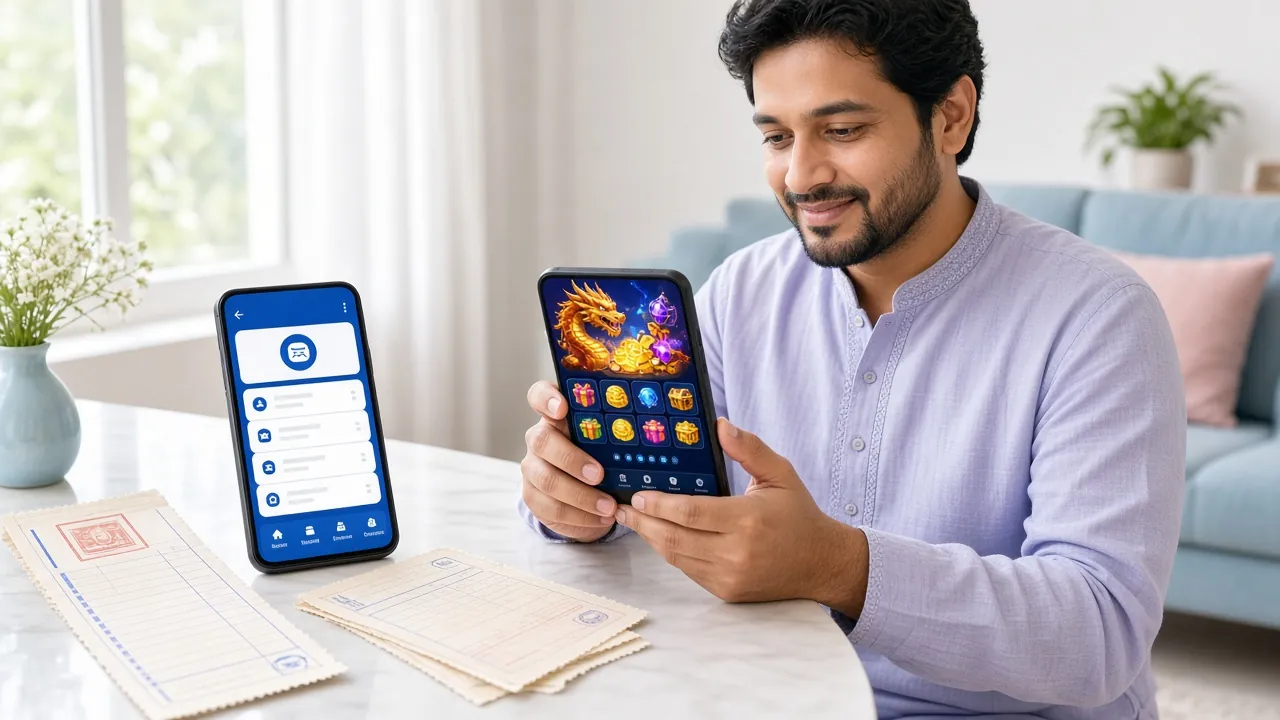
The j55555 App at a Glance
Scan with your Android phone to download directly
The j55555 app is a native Android application. It loads faster than a browser, remembers your session, and sends push alerts when your withdrawal is ready. All the same games and payment options are here.
-
Faster load times
Assets are cached locally, so games open without waiting for a full page reload.
-
Push notifications
Know immediately when your bKash or Nagad withdrawal lands. Opt in or out at any time.
-
One-tap bKash & Nagad payments
All four payment methods (bKash, Nagad, Rocket, Upay) work identically in the app and on the website.
-
Portrait and landscape
Fishing and live-casino tables automatically switch to landscape when you rotate your phone.
Install the j55555 APK on Android
Google Play does not carry casino apps, so you install directly from the APK file. The process takes under two minutes. Follow these five steps exactly and you will not hit any errors.
-
1
Allow installs from unknown sources
On your Android phone, open Settings, then go to Security (or Privacy on newer Samsungs). Find "Install unknown apps" and enable it for your browser or file manager app. This permission only applies to the apps you choose – it does not weaken the rest of your phone's security. You can disable it again after installation.
-
2
Download j55555.apk to your phone
Tap the Download APK button on this page or scan the QR code above. Your browser will save j55555.apk (45 MB) to your Downloads folder. Make sure you are on a stable Wi-Fi or a 4G connection before you start – a broken download produces a corrupt file that will not install.
-
3
Open the APK file and tap Install
Open your Downloads app or pull down the notification shade and tap the completed download. Android shows a permission screen listing what the app needs. Review it, then tap Install. The installation takes 10–20 seconds. You do not need to uninstall a previous version first – the new APK upgrades over the old one automatically.
-
4
Open j55555 and log in or register
Once installed, tap Open from the installer or find the j55555 icon on your home screen. Existing members tap Log In and enter their credentials. New players tap Register and complete the short sign-up form. Your first deposit bonus (100% up to ৳21,500) activates automatically on your first bKash or Nagad deposit.
-
5
Make your first deposit and start playing
Tap Deposit in the app wallet, pick bKash, Nagad, Rocket, or Upay, and enter an amount from ৳450 upward. The balance appears in your account within 1 minute. Head to the lobby – fishing games, slots, live casino, crash, and sports are all available right there without switching tabs or reloading.
Version Details & System Requirements
Check these specs before downloading. The j55555 app runs on most Android phones sold in Bangladesh in the last five years. If your phone runs Android 6.0 or higher, you are good to go.
| Detail | Value |
|---|---|
| App Name | j55555 |
| Current Version | 3.8.19 |
| APK File Name | j55555.apk |
| File Size | 45 MB |
| Minimum Android Version | Android 6.0 (Marshmallow) or higher |
| Last Updated | 3 November 2026 |
| Price | Free |
| Available Languages | English, Bangla |
| iOS Support | No native app — use Safari "Add to Home Screen" (see below) |
| Supported Payments | bKash, Nagad, Rocket, Upay |
| Minimum Deposit | ৳450 |
| Minimum Withdrawal | ৳900 |
Phones running Android 6.0 with less than 2 GB RAM may experience slower load times in live-casino tables. All other game types run smoothly from Android 6.0 upward.
Download j55555 APK
This APK is signed by j55555 and scanned before every release. Do not install APK files from unofficial mirrors or Telegram groups.
What You Can Play Inside the App
Every game category available on the desktop site is also in the app. Here is what is waiting when you open the lobby for the first time.
Fishing Games
The app's most popular category in Bangladesh. 3 Gods Fishing (PG Soft, RTP 95.5%) lets you bet from ৳5. The touchscreen controls feel more natural on mobile than on a mouse. Aim, fire, and collect coins in real time with other players in the same room.
Slots
Over 5,000 slot titles from Pragmatic Play, KA Gaming, JDB, and PG Soft. Jackpot Bingo starts at ৳1 per spin (RTP 97.5%). Piggy Gold and Diamond Tycoon are two of the most-played KA Gaming titles among Bangladeshi members who prefer low-volatility spins.


Sports Betting
Cricket, football, kabaddi, and more. Place pre-match and in-play bets with updated odds. The Shaolin Soccer arcade game (JDB, RTP 97.3%) sits in Sports with a ৳5 minimum. IPL, BPL, and ODI fixtures appear in the schedule automatically as they are confirmed.
In-App Wallet
Deposit with bKash, Nagad, Rocket, or Upay without leaving the app. Funds arrive in under 1 minute. Withdrawals process in 5 minutes once KYC is approved. You can see your full transaction history, active bonuses, and VIP cashback progress from one wallet screen.
Security & What the App Needs to Access
The j55555 app only requests permissions it actually uses. Here is why each one is needed.
Internet Access
Required for game streaming, payment processing, and account actions. The app does not work offline. All traffic goes through HTTPS. Your deposit and login data is encrypted end to end before it leaves your device. No data is shared with ad networks.
Push Notifications
Used for withdrawal confirmations, bonus credits, and live-game results. You are asked whether to allow this when you first open the app. If you decline, the app still works fully – you just will not get alerts. You can change this later in your phone's App Settings at any time.
Storage Read / Write
The app caches game graphics locally so they load faster on repeat visits. It also saves your downloaded receipts and transaction history PDFs. No personal files, photos, or contacts are read. Storage usage stays under 80 MB total, including cached assets, over normal use.
APK Signing & Integrity
Every release of the j55555 APK is code-signed with a fixed certificate. Android checks this signature automatically on install – if the file has been tampered with, the install fails and you see a "Package invalid" error. Only download from j55555.ws to get a signed, verified file.
App vs Browser – Side by Side
Both work. The app has a few practical advantages for daily players, while the browser is always an option without any installation step.
| Feature | j55555 App (Android APK) | Mobile Browser | Desktop Browser |
|---|---|---|---|
| Install required | Yes – one time | No | No |
| Game load speed | Fastest (local cache) | Medium | Fast on Wi-Fi |
| Push notifications | Yes | No | No |
| bKash / Nagad deposit | Yes | Yes | Yes |
| Landscape auto-rotate | Yes (hardware) | Depends on browser | N/A |
| Live casino HD stream | Optimised decoder | Good on Chrome | Best quality |
| Session stays open | Yes – background kept | Clears if browser closes | Clears on tab close |
| All 5,300+ games | Yes | Yes | Yes |
| Bonus & VIP access | Yes | Yes | Yes |
| iOS support | Android only | Yes (Safari / Chrome) | Yes |
Fix Common Install Problems
Most install errors have a simple fix. Find your error message below.
| Error / Symptom | Likely Cause | How to Fix It |
|---|---|---|
| "Install blocked" | Unknown sources are still turned off for the browser app you used to download. | Go to Settings → Security → Install unknown apps, select your browser (e.g. Chrome), and enable Allow from this source. Then try opening the APK file again from Downloads. |
| "Package invalid" or "Parse error" | The APK downloaded only partly – a network dropout created a corrupt file. | Delete the incomplete file from Downloads. Reconnect to a stable Wi-Fi or 4G network and download j55555.apk again from this page. The file must be exactly 45 MB. |
| "Not compatible with your device" | The phone is running Android 5.x or an older custom ROM that reports a lower API level. | Check your Android version at Settings → About Phone → Software Information. The app requires Android 6.0 or above. If your phone is older, use the mobile browser at j55555.ws instead – all games and payments work there without an app. |
| App crashes on launch | Leftover cache from a previous version is conflicting with the new install. | Go to Settings → Apps → j55555 → Storage → Clear Cache. Then force-stop the app and reopen it. If it still crashes, uninstall completely, restart your phone, and install the freshly downloaded APK. |
| Games loading slowly or not starting | The app is connected to the internet but the game server is choosing a slow regional endpoint. | Close the app fully (remove it from recent apps). Switch from mobile data to Wi-Fi, or vice versa. Reopen j55555 and try the game again. If the problem continues on both connections, contact [email protected] and include your device model and Android version. |
iPhone / iOS – Add j55555 to Your Home Screen
There is no App Store listing for j55555. iPhone users can pin the website to their home screen as a web app. It opens full-screen without browser chrome and works like a native app for most purposes.
-
1
Open Safari on your iPhone and go to j55555.ws. Other browsers (Chrome, Firefox) do not support Add to Home Screen correctly on iOS.
-
2
Tap the Share button (the square with an arrow pointing up) at the bottom of the Safari screen.
-
3
Scroll down in the Share menu and tap "Add to Home Screen". Confirm the name as j55555 and tap Add.
-
4
The j55555 icon appears on your home screen. Tap it to open the site in full-screen mode. Log in or register, then deposit via bKash or Nagad as usual.
Questions Players Ask About the j55555 App
Is the j55555 APK safe to install?
Yes, if you download it from j55555.ws. Every APK release is code-signed with a certificate that Android verifies automatically on install. If the file has been modified by anyone after signing, Android rejects it with a "Parse error" – the install will not complete. Never install a j55555 APK from a Telegram link, WhatsApp forward, or third-party site. Those copies may be modified and cannot be verified by Android's signature check.
Why does Android say "Install blocked by Play Protect"?
Google Play Protect displays this warning for any APK that is not from the Play Store, regardless of whether the file is safe. It is a precautionary scan, not a verdict. You can tap "Install anyway" – Android will complete the install after the warning. Play Protect does not block the app from running after installation. If you prefer, you can run a manual Play Protect scan of the installed app at Settings → Google → Security → Play Protect.
How do I update the j55555 app when a new version is released?
The app checks for updates in the background and shows a banner in the home lobby when a new version is ready. Tap Update Now and it downloads and installs the new APK without logging you out. Alternatively, revisit this page, download the latest APK, and install it over your current version – you do not need to uninstall first. Your account balance, bonus progress, and VIP level are stored on the server and are not affected by an update.
The install finished but the app keeps crashing. What should I do?
First, go to Settings → Apps → j55555 → Storage → Clear Cache and try reopening. If it still crashes, uninstall the app completely, restart your phone, and download a fresh copy of j55555.apk from this page. Crashes immediately after install almost always mean the APK file was corrupt (incomplete download). Re-downloading on a stable connection fixes it in most cases. If the crash continues, email [email protected] with your phone model and Android version.
Can I use the same account on both the app and the website?
Yes. Your j55555 account is stored on the server, so your balance, bonuses, VIP level, and transaction history are identical on every device. You can start a slots session on the app, check your balance on a laptop browser, and finish on the app – everything stays in sync in real time. You can be logged in on multiple devices at the same time, but active game sessions are per device.
Does the app work on a 3G / slow mobile connection?
Slot games and crash games work on 3G, though they load a little more slowly than on 4G or Wi-Fi. Live casino HD streams need a stable 4G or Wi-Fi connection – on 3G you may see buffering on the video feed. If your connection is weak, the app automatically drops the stream quality to keep it playable. Fishing games and sports betting work reliably on most 3G connections available in Bangladesh.
Do I need to complete KYC before I can withdraw from the app?
Yes. KYC is required before your first withdrawal, whether you withdraw through the app or the website. You will need one of the following documents: National ID Card (NID), Passport, or Driving Licence. Upload a clear photo of the document in the app under Account → Verify Identity. The review takes up to 2 hours. Once approved, your account stays verified permanently – you do not need to submit documents again. Your first withdrawal may take up to 6 hours while KYC is confirmed; after that, withdrawals process in 5 minutes.
New to j55555?
Create a free account in under a minute. Your first deposit bonus (100% up to ৳21,500) applies automatically.
Register NowAlready have an account?
Download the app, then log in with your existing credentials. Your balance and VIP status carry over instantly.
Log InBrowse the game lobby
See all fishing games, slots, live casino, and crash games available on j55555 before you decide to install.
Visit Casino18+ · Play Responsibly. The j55555 app is for adults only. Gambling should be entertaining, not a way to earn money. Set deposit and session limits in your account settings. If gambling stops being fun, step away and seek help.
Responsible Gaming Policy